
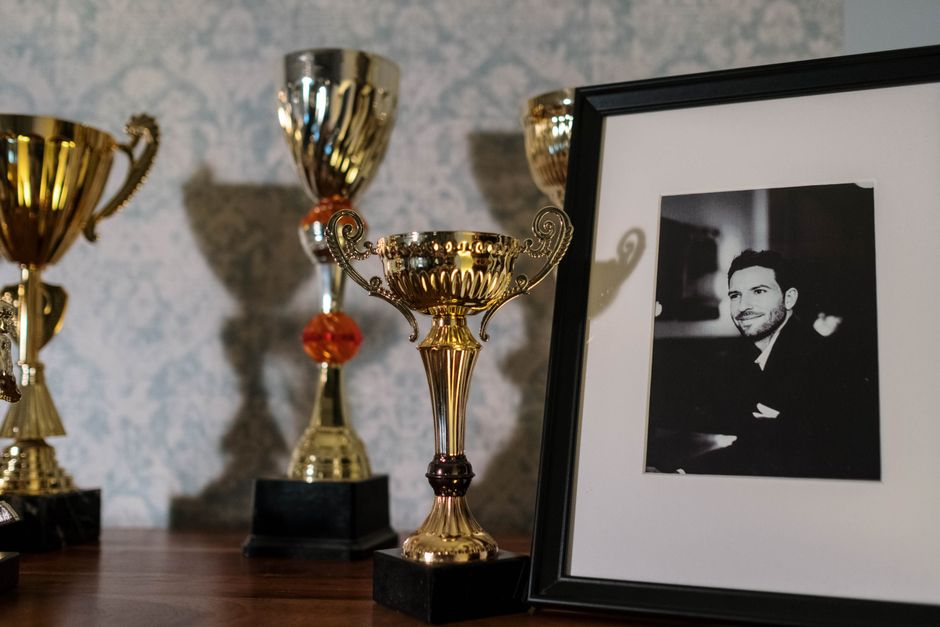
A full trophy cabinet is a single afternoon's work for one volunteer with a phone camera, not a multi-week project. The exact time depends on two things: how many items you have, and whether you photograph them in bulk or one at a time. The records stay private until you approve them, so speed does not mean losing control over accuracy.
Table of Contents
- What does OCR actually do with a photograph of an engraving?
- How long does it take to scan one trophy or honours board?
- Can you photograph a whole cabinet in one session?
- How does Trophy.guru speed up a full cabinet scan?
- What slows a scan down, and how do you avoid it?
- How do you check the records before they go public?
- Is OCR accurate enough for historical trophy records?
- Key Takeaways
- References
What does OCR actually do with a photograph of an engraving?
OCR converts text in a scanned image into editable, searchable digital text. The software recognises characters by matching what it sees against stored images of letters and numbers, according to Cleardata.
The OCR process follows four steps: scanning, character analysis, digital conversion, and searchable output, as described by The Maltings Document Storage Solutions. A plain photograph of a trophy engraving can be viewed but not searched within. An OCR output can be searched, indexed, and integrated into a digital system.
This distinction matters for club historians. A folder of photographs preserves what a trophy looks like, but it does not let you find every winner named "Harrison" across forty years. OCR turns the engraved names and years into records you can query.
How long does it take to scan one trophy or honours board?
A single clear engraving takes seconds to photograph, and transcription is where the time goes. Capture and transcription are separate tasks, and they should be treated as such.
Photographing one trophy takes under a minute when the item is accessible and the lighting is adequate. An honours board takes slightly longer because you may need two or three frames to cover the full panel. The transcription stage, where OCR reads the characters and produces searchable text, requires more processing time and human review.
Faint or worn lettering is the main variable. Multiple images of the same item resolve most difficult readings. A club with 40 trophies and 20 boards should expect a full capture session of two to three hours, followed by a separate review session. A school with a handful of items can finish both stages in under an hour.
Can you photograph a whole cabinet in one session?
Yes, photographing items in place, shelf by shelf, without removing them from the cabinet is the fastest approach. A phone camera is sufficient, and consistent lighting matters more than equipment.
Open the cabinet doors and work shelf by shelf. Photograph each trophy from the front, then take a second angle if the engraving curves or catches glare. Multi-image capture of the same engraving improves results on difficult lettering, according to the OCR process described by Cleardata.
Batch the work. Capture everything first, then review records in one sitting. This keeps the session moving and avoids the stop-start pattern that makes a cabinet feel like a larger project than it is. One volunteer can complete the photography for a typical club cabinet in a single afternoon.
How does Trophy.guru speed up a full cabinet scan?
Trophy.guru transcribes trophy engravings and honours boards from photographs using AI, which removes the manual typing stage that usually follows a scanning session.
Multi-image analysis handles difficult or faint lettering, so one awkward trophy does not stall the batch. Missing-year checks and age-aware name matching catch gaps a manual list would miss, such as a winner recorded under a nickname in one year and a full name in another.
Automatic high-resolution trophy illustrations are generated from the photographs, giving the archive a consistent visual record without separate design work. Clubs using Intelligent Golf can add an optional integration at £299 per club per year. The archive remains private and secure, with source evidence kept alongside each record.
What slows a scan down, and how do you avoid it?
Poor lighting, glare on silver, engraved script, and items locked in a display case are the common delays. OCR accuracy falls on historical or degraded documents, so capture quality is the lever you control, according to The Maltings Document Storage Solutions.
Photograph each item from more than one angle rather than retaking later. Glare moves when the camera moves, and a second angle often reveals lettering the first frame missed. If a display case cannot be opened, shoot through the glass at a slight angle to reduce reflection.
Decide who checks records after capture, not during. Reviewing as you go interrupts the rhythm of the session and adds little. A single reviewer can verify the full batch once the photographs are complete.
How do you check the records before they go public?
Every record is reviewed and corrected before publication, and source photographs are kept alongside the transcription. Nothing becomes visible until you confirm it.
The archive is private and secure by default. This means a volunteer can capture an entire cabinet in one session without worrying that an unverified name or year will appear publicly. The review stage is where corrections happen, and the source photograph beside each record makes verification straightforward.
Confirmed winners can be exported as CSV for your own records or website. Once records are approved, the finished archive is searchable by year, trophy, or person. The privacy model is covered in the Trophy.guru privacy and security approach.
Is OCR accurate enough for historical trophy records?
Accuracy depends on image quality and the condition of the engraving, not on the age of the item alone. A well-lit photograph of a 1920s silver trophy can transcribe more reliably than a poorly lit photograph of a modern plaque.
GDPR and similar obligations make quick location of personal data a reason to digitise, not a reason to delay. OCR supports compliance by making personal data quick to locate, according to The Maltings Document Storage Solutions.
Keeping the source photograph beside each record lets any reader verify a name or year. Spot-check a sample of records rather than re-reading every line. A sample check across different trophies and decades is usually enough to confirm the transcription quality for the whole batch.
Key Takeaways
- OCR turns text in a photograph into editable, searchable digital text, so a scanned trophy record can be found by keyword.
- A plain scan without OCR can be viewed but not searched within.
- OCR works by matching characters against stored images of letters and numbers, in four steps: scanning, character analysis, digital conversion, searchable output.
- A full trophy cabinet is a single-session job for one volunteer with a phone camera; transcription and review, not photography, take the time.
- Faint or worn engraving is the main variable, and capturing the same item from several angles is the practical fix.
- Trophy.guru transcribes engravings and honours boards from photographs, keeps records private until you approve them, and stores the source evidence alongside each entry.
- Confirmed winners can be exported as CSV, and the finished archive is searchable by year, trophy, or person.